Is CrewCard really free?+
Yes. Your card, your link, your QR code and your team are free. No trial that expires and no credit card.
What is a digital business card for roofers?+
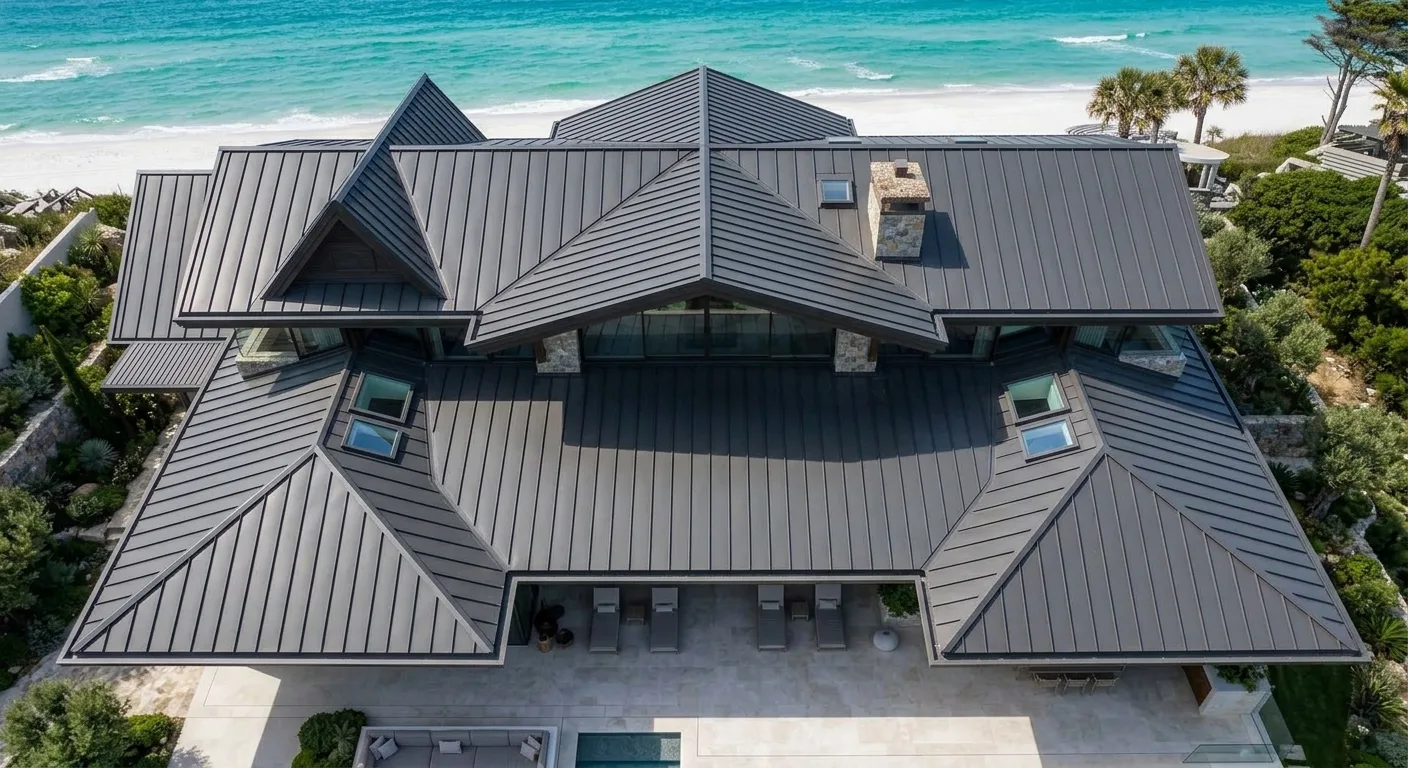
A one-page mobile card at your own link with your photo or logo, a roof cover photo, Call, Text and Email buttons, Save to contacts, photos of your work, your About section and social links. Homeowners open it from a text or by scanning a QR code; nothing to install.
Can my whole roofing team have cards?+
Yes. Invite reps by email. They get your logo, colors, cover and About section automatically and add their own name, title, photo and direct line. Admins can edit every card; reps edit only their own.
How do homeowners save my contact info?+
Every card has a "Save contact" button that adds your name, company, phone, email, website and address to their phone in one tap.
Can I change my card after I share it?+
Any time. Your link and QR code stay the same, so door hangers, yard signs and texts you already sent always show your latest info.
Do I need a website to use CrewCard?+
No. Many roofers use their CrewCard as a simple mobile website: photos of their work, what they do, where they work and how to reach them. If you do have a website, it's linked from your card.
Will my card show up on Google?+
Published cards are fast, public pages marked up as a roofing contractor and listed in our sitemap, so search engines can find them when people search your name or company. You can hide your card any time.
Where do roofers share their card?+
Text it after an inspection or estimate, add it to your email signature, estimates and invoices, print the QR code on yard signs, truck wraps and door hangers, and link it from your Google Business profile and social pages.
How do I put a QR code on yard signs, trucks and door hangers?+
Every card comes with two QR codes: one opens your card, the other saves your contact straight to the phone. Download either as a PNG, or as an SVG that stays sharp at any size for sign and wrap printers.
Can I see how many people looked at my card?+
Yes. Each card has its own stats: views, unique visitors, and how many people tapped Call, Text or Email, saved your contact, opened your website, got directions, or looked at your work photos. You also see where views came from, such as the QR code, a text, WhatsApp, your email signature or social media.
Do I get a report on how my card is doing?+
Yes. Every Monday you get a short email with how many views your card got. One click at the bottom of the email turns it off.
Do homeowners need to download an app?+
No. The card opens in the phone browser on iPhone and Android. Nobody installs anything, on your side or theirs.
Can I add my card to my email signature?+
Yes. Copy the ready-made signature from your card's Share page and paste it into Gmail, Outlook or Apple Mail. Step-by-step instructions are right there.
Can I share my card on WhatsApp, Facebook, Instagram or TikTok?+
Yes. The Share button on your card sends it by text, WhatsApp or email, posts it to Facebook, Instagram or TikTok, or copies the link. On your phone it can also open the built-in share menu.
I don't have a logo. Can I still make a card?+
Yes. Use your headshot instead, or make a simple logo in the builder: type your company name, pick an icon and colors, and choose from a few options. The builder can also draft your About section for you to edit.
Can I choose my card's link?+
Yes. You can edit the link (for example card.m2q.ai/your-name). Pick it before you print QR codes: if you change the link later, codes that are already printed will stop opening your card.
Can I add photos and videos of my roofing jobs?+
Yes. Add up to 6 job photos with a full-screen viewer, and a YouTube video such as a job walkthrough, drone footage or a customer testimonial.
What happens to a card when a rep leaves my company?+
When an admin removes someone from the team, their card stays with your company. An admin can then hand it to a new rep, edit it, hide it or delete it, so the link on old door hangers never points to someone who left.
Can I hide my card without deleting it?+
Yes. A hidden card shows "card not available" to anyone who opens the link or scans the QR code. Make it public again and the same link and QR code work as before.
Does CrewCard work for HVAC, plumbing, solar or cleaning crews?+
CrewCard started with roofers, so the ready-made cover photos are roofing photos. Everything else works for any trade: upload a photo of your own work as the cover and invite your crew the same way.